
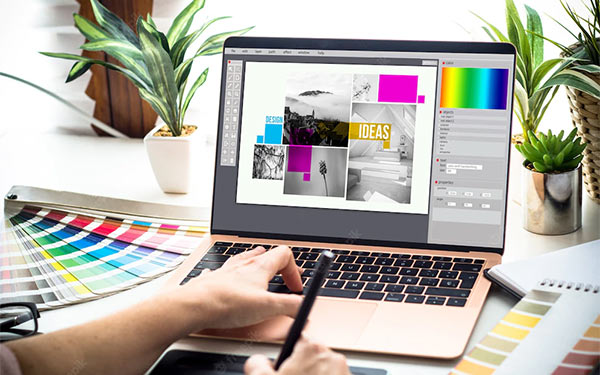
At Justified Vision, we understand the importance of equipping our team with the best tools to produce stunning and impactful designs. As the graphic design industry evolves, also do the tools that help us bring our creative visions to life. Here we present the top 10 tools every graphic designer should master to stay ahead in this dynamic field.
Adobe Photoshop
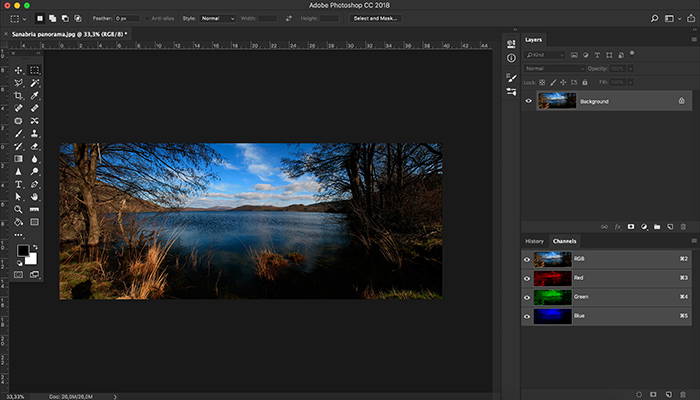
Adobe Photoshop is the industry standard for raster graphics editing. This powerful tool allows designers to create and manipulate images with precision. From photo editing to digital painting and compositing, Photoshop’s extensive features make it indispensable for any graphic designer.
Key Features:
– Advanced photo editing capabilities
– Layer and mask management
– Extensive brush library
– Integration with other Adobe Creative Cloud apps etc.
Adobe Illustrator
For vector graphics, Adobe Illustrator is the go-to tool. It’s perfect for creating logos, icons, typography, and complex illustrations. Illustrator’s scalability ensures that designs remain crisp and clear, no matter the size.
Key Features:
– Vector-based drawing tools
– Advanced typography options
– Customizable brushes and effects
– Seamless integration with Adobe Creative Cloud
CorelDRAW
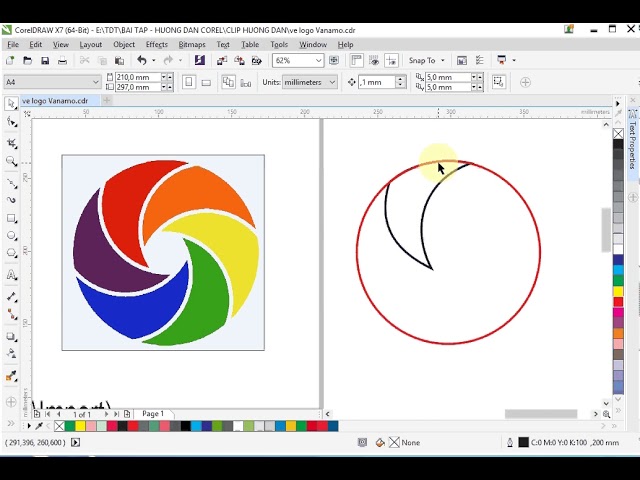
CorelDRAW is a vector graphics editor that offers a suite of design tools for illustration, layout, photo editing, and typography. It’s known for its user-friendly interface and powerful features, making it a strong competitor to Adobe Illustrator.
Key Features:
– Versatile vector illustration tools
– Page layout capabilities
– Font management
– Photo editing with Corel PHOTO-PAINT
Sketch
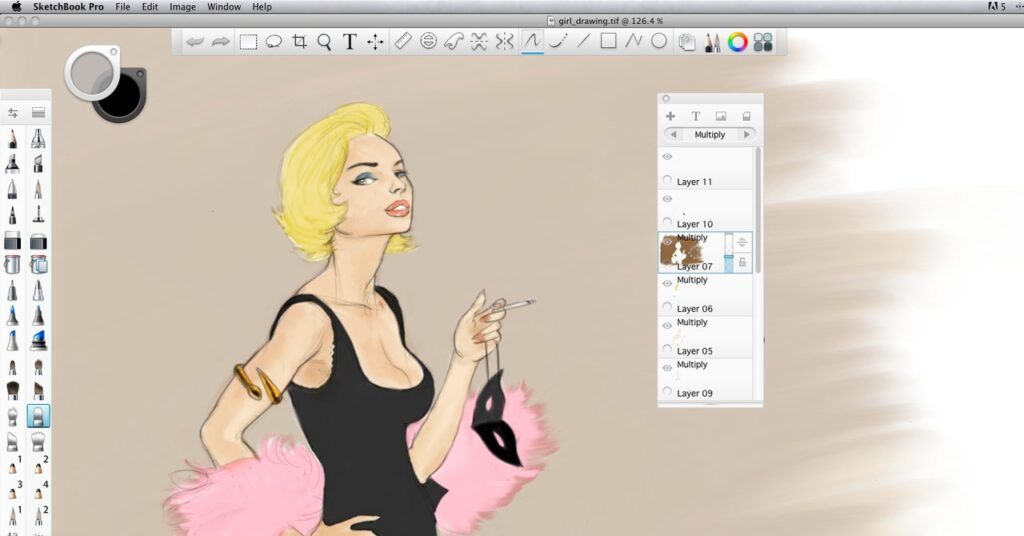
Sketch is a vector graphics editor designed specifically for UI/UX designers. Its intuitive interface and powerful features make it ideal for designing websites, mobile apps, and user interfaces.
Key Features:
– Artboards for multiple screen sizes
– Symbols and reusable components
– Prototyping capabilities
– Extensive plugin ecosystem
Figma
Figma is a collaborative interface design tool that allows multiple designers to work on a project simultaneously. Its cloud-based nature makes it easy to share and collaborate in real-time, making it a favorite among design teams.
Key Features:
– Real-time collaboration
– Vector networks for flexible design
– Prototyping and interaction design
– Version history and file management
Adobe InDesign
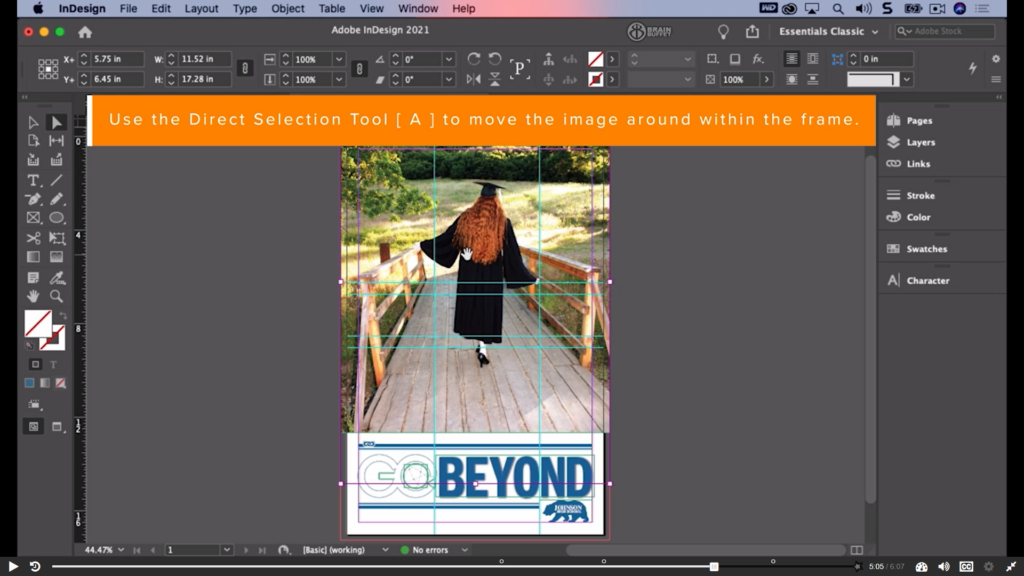
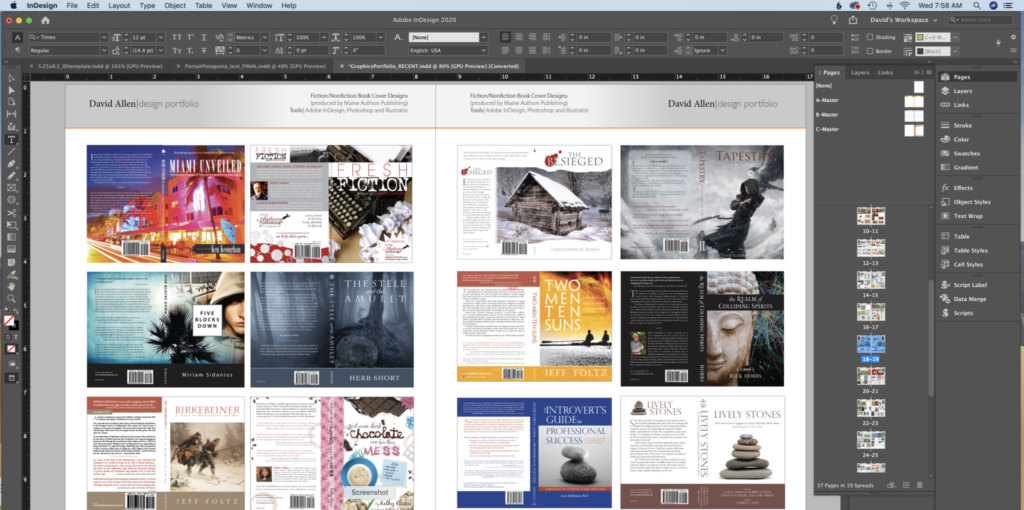
Adobe InDesign is essential for creating print and digital publications. Whether you’re designing brochures, magazines, or eBooks, InDesign’s layout and typesetting tools help you create professional-quality documents.
Key Features:
– Advanced layout options
– Text and paragraph styles
– Master pages for consistent design
– Integration with Adobe Creative Cloud
Affinity Designer
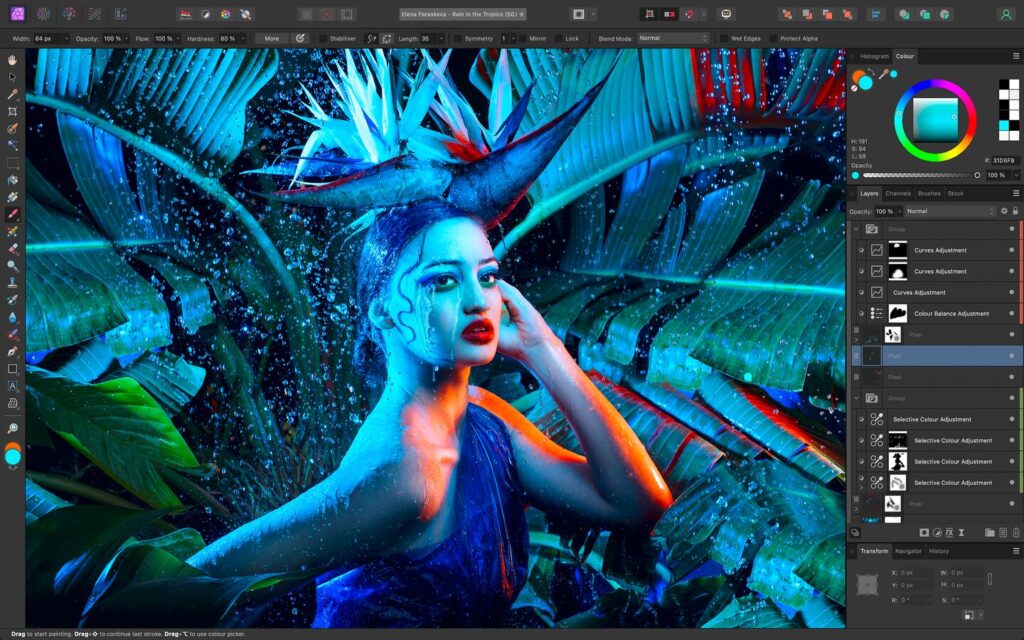
Affinity Designer is a versatile vector graphics editor known for its performance and affordability. It offers a wide range of tools and features that rival those of Adobe Illustrator, making it a popular choice for budget-conscious designers.
Key Features:
– Precision vector tools
– Real-time effects and adjustments
– Raster and vector workspaces
– Comprehensive export options
Procreate
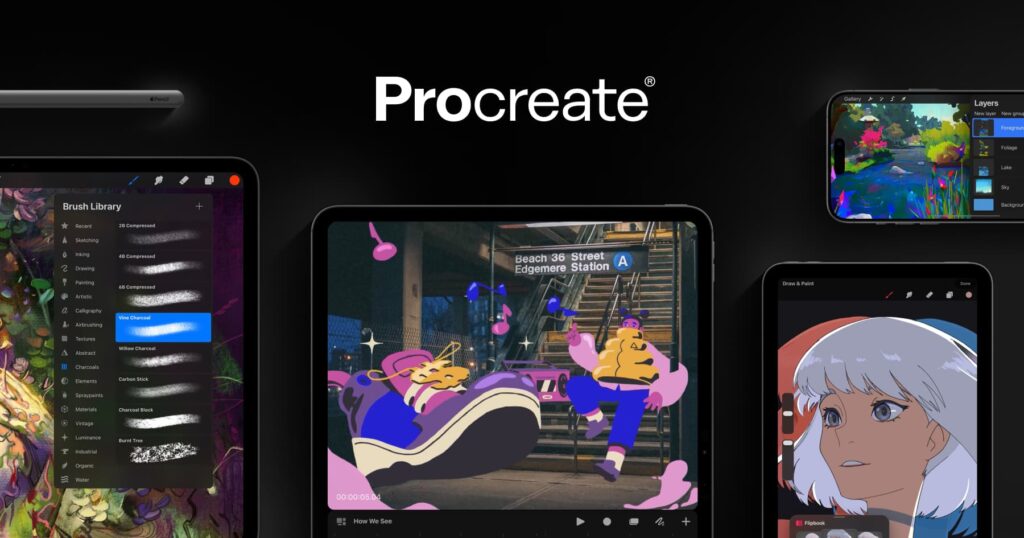
Procreate is a powerful digital painting app designed for the iPad. Its intuitive interface and robust toolset make it a favorite among illustrators and artists who prefer working on a tablet.
Key Features:
– Extensive brush library
– High-resolution canvases
– Advanced layer system
– Animation assist for creating GIFs and animations
Canva
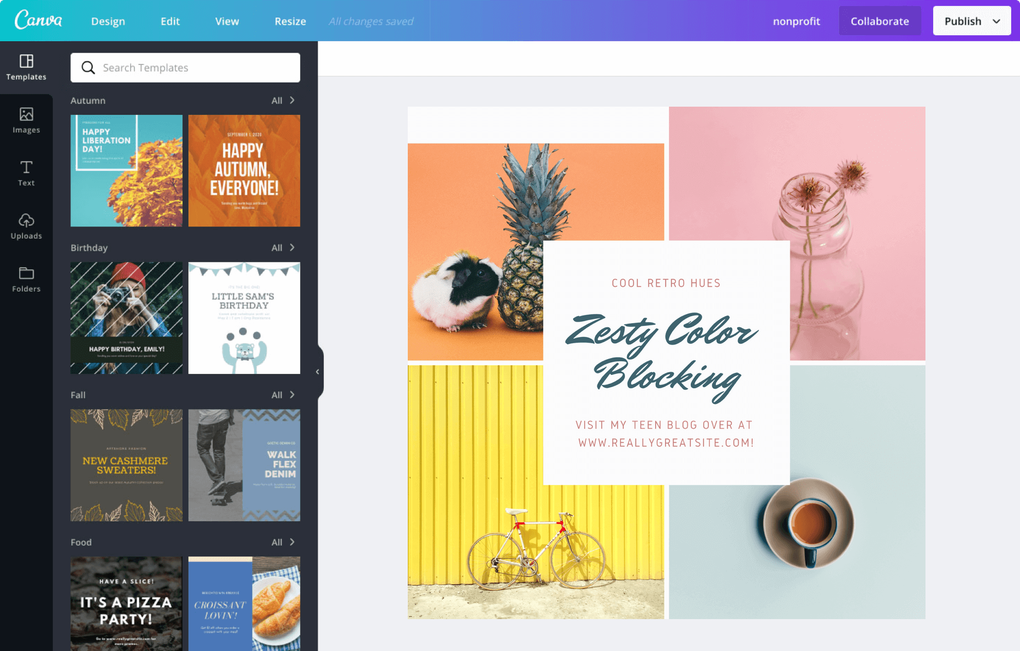
Canva is a web-based design tool that simplifies the design process for beginners and professionals alike. With its drag-and-drop interface and vast library of templates, Canva is perfect for creating social media graphics, presentations, and marketing materials.
Key Features:
– User-friendly drag-and-drop interface
– Thousands of templates and design elements
– Collaboration and sharing options
– Brand kit for consistent branding
Blender
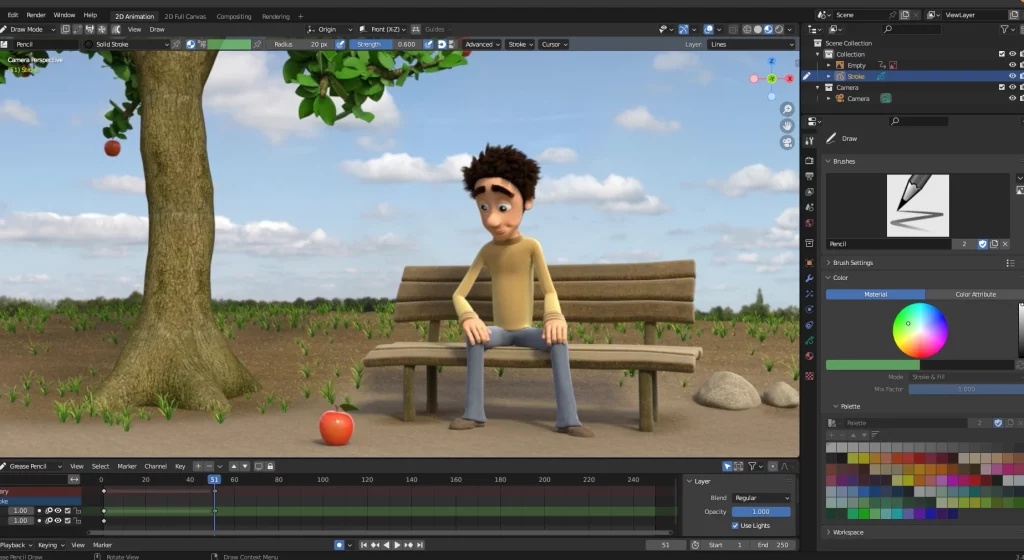
Blender is a free, open-source 3D modeling and animation tool. It’s widely used for creating 3D graphics, animations, visual effects, and even video games. Mastering Blender can add a new dimension to your design capabilities.
Key Features:
– Comprehensive 3D modeling tools
– Sculpting and texturing
– Animation and rigging
– Video editing and compositing
In Conclusion
At Justified Vision, we believe that mastering large of these essential tools is crucial for any graphic designer aiming to excel in their career. Each tool offers unique features and capabilities that can elevate your design work and streamline your workflow. By staying proficient in these tools, you can ensure that your designs are not only visually stunning but also highly effective and versatile.
Whether you’re a seasoned professional or just starting your graphic design journey, incorporating these tools into your skillset will help you stay competitive and innovative in the ever-evolving world of design.
For more insights and tips on graphic design, follow our blog at Justified Vision and stay updated with the latest trends and tools in the industry.
Remember to Contact us today for your graphic projects.